VIP Bundle Tracker
Keep track of what you receive and where you store it. Never lose a gift!
Option 2
I do not have a FREE Airtable Account
Step 1
Step 2
(after you click the link at the bottom of this page)
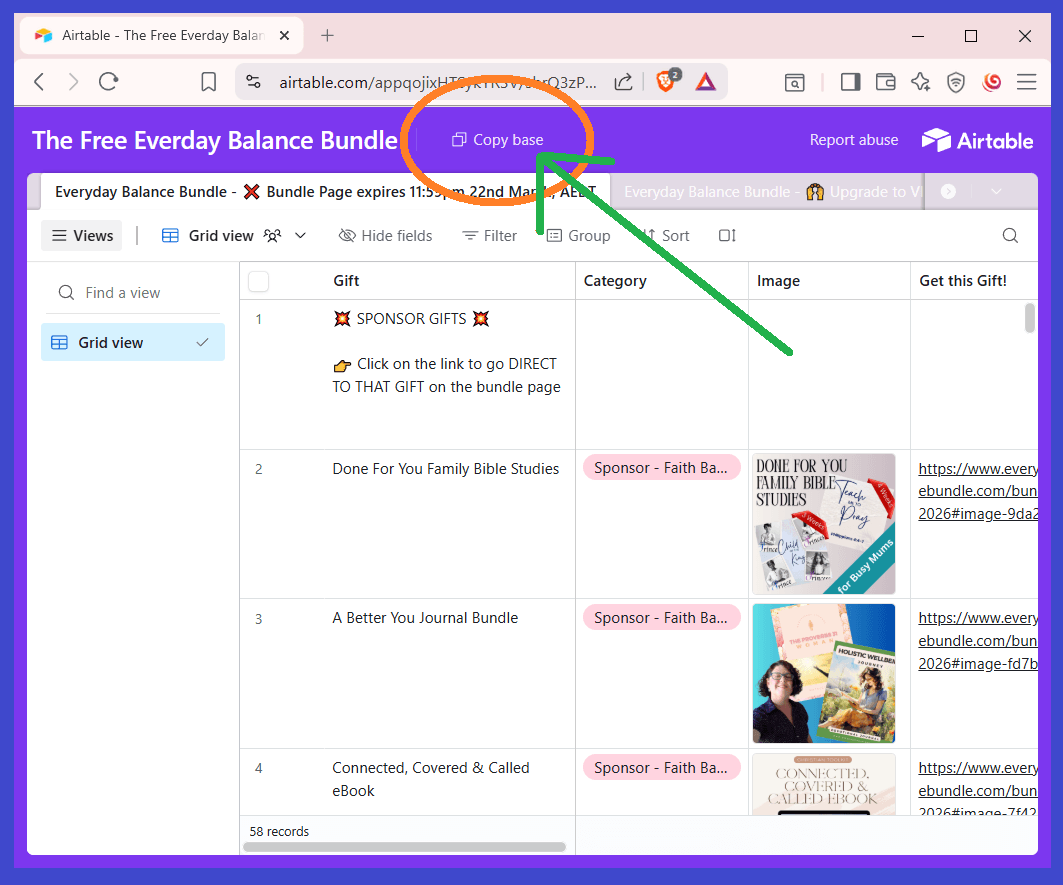
Click "Copy Base"
Step 3
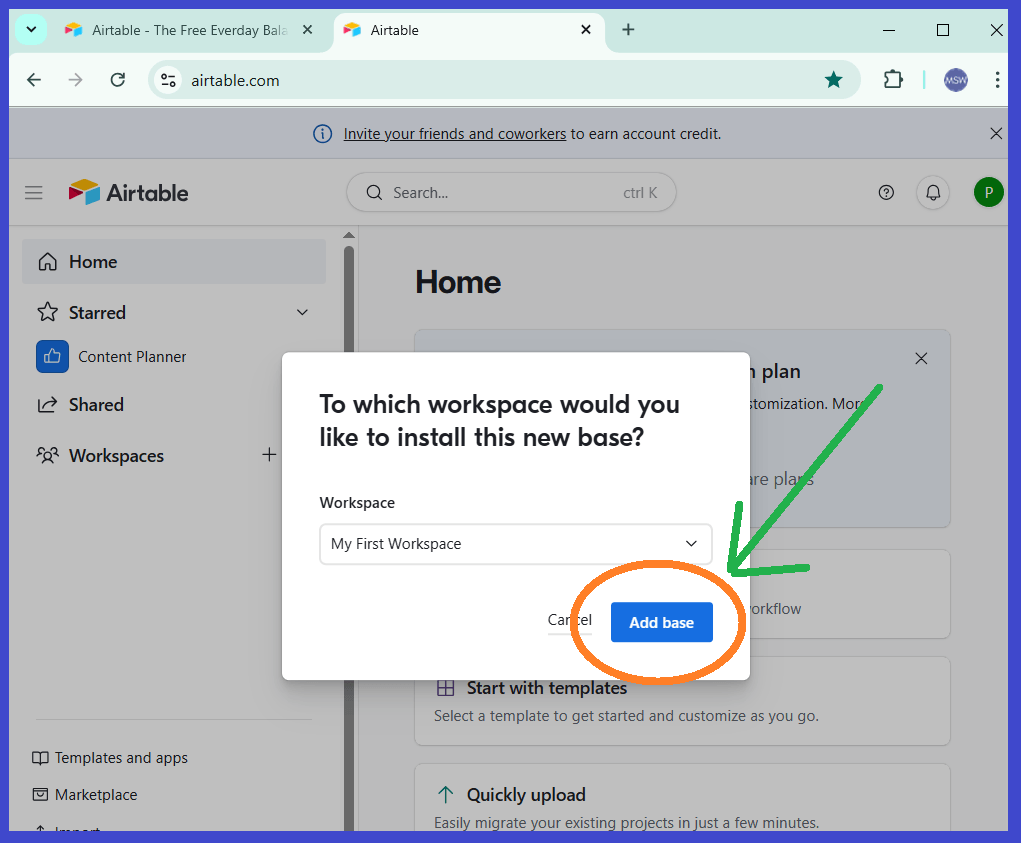
Click Add Base
Step 4
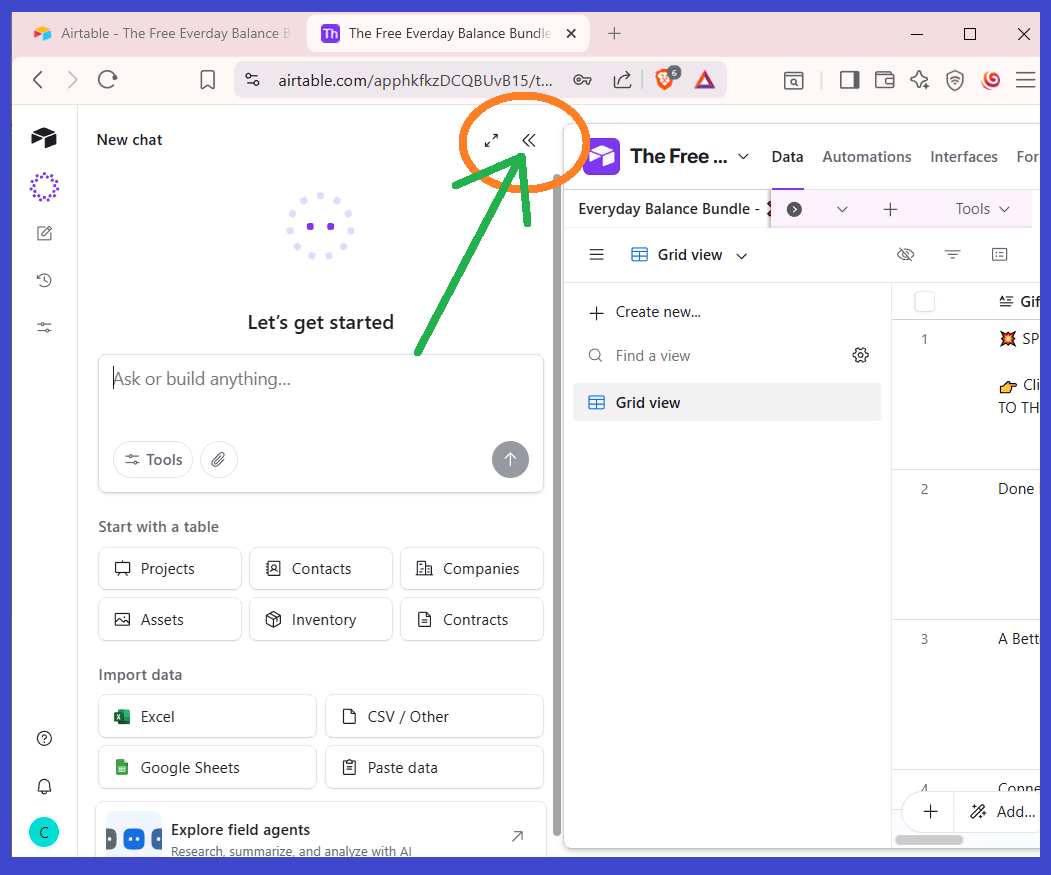
When your base loads, click the double arrow
Step 5
Click the Hamburger Menu icon
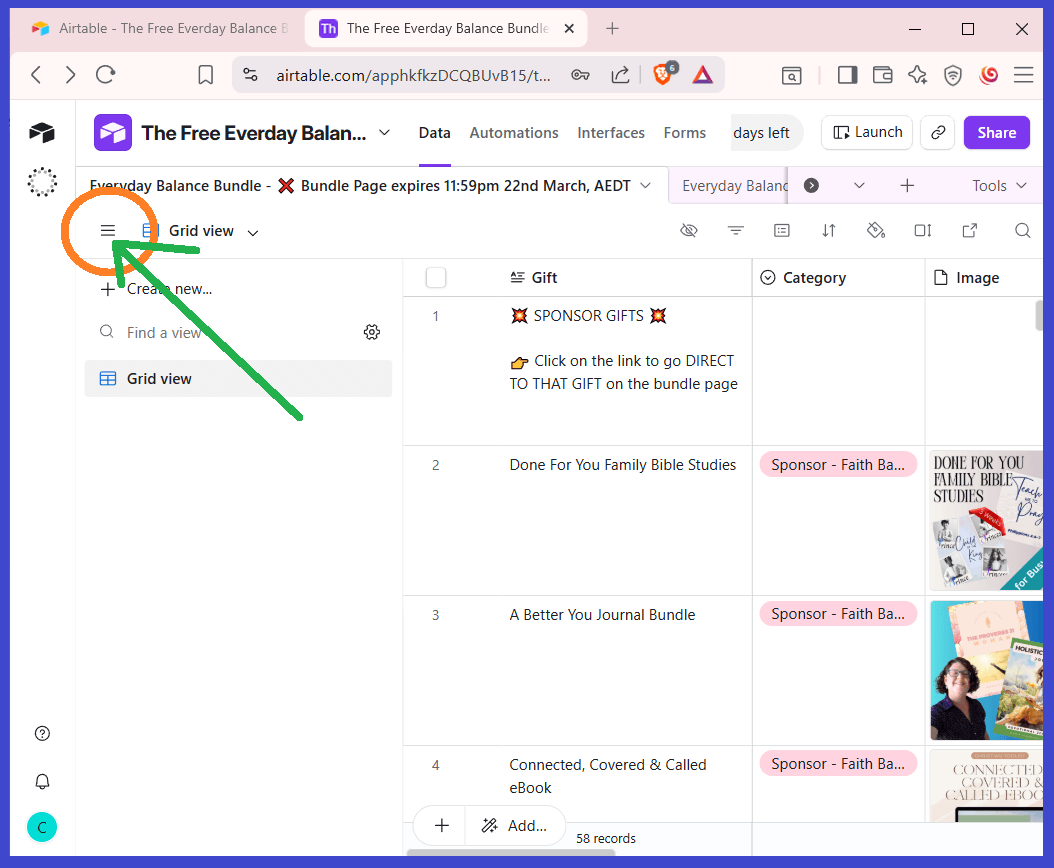
Your Base will now be loaded and ready to use.
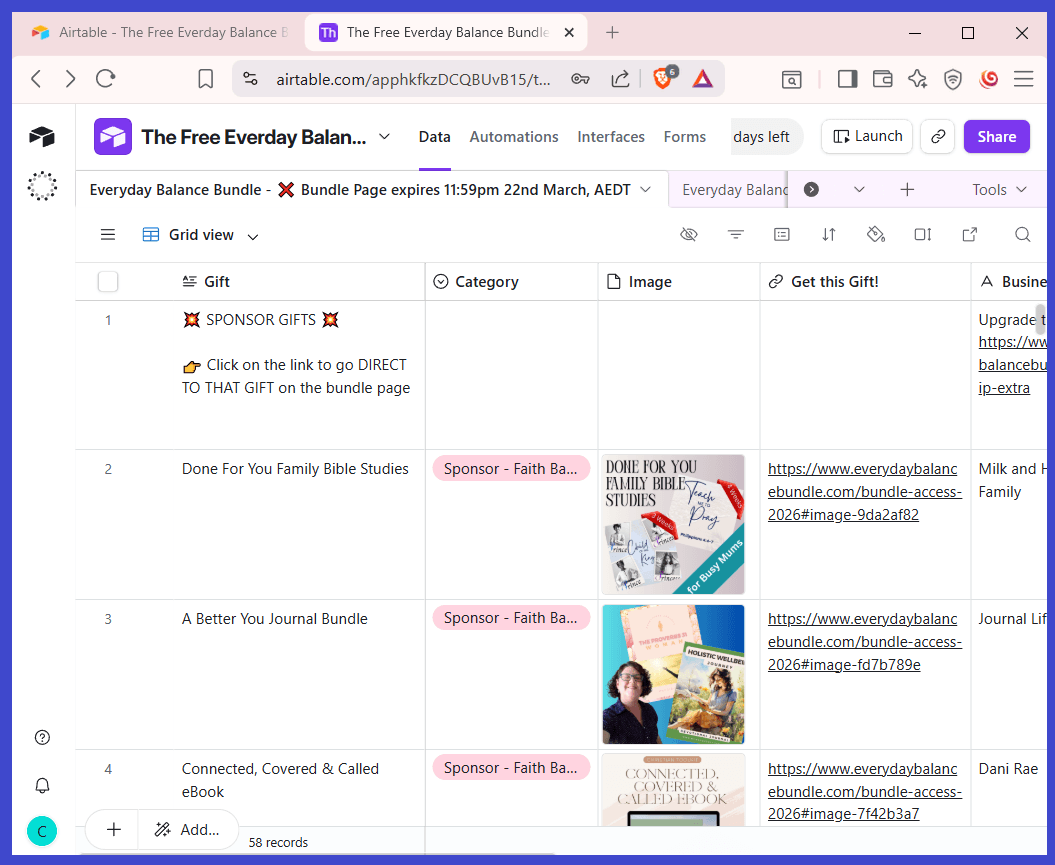
Sometimes you will need to "Duplicate" the table to be able modify it. Select the 3 dots and click Duplicate.
Step 6
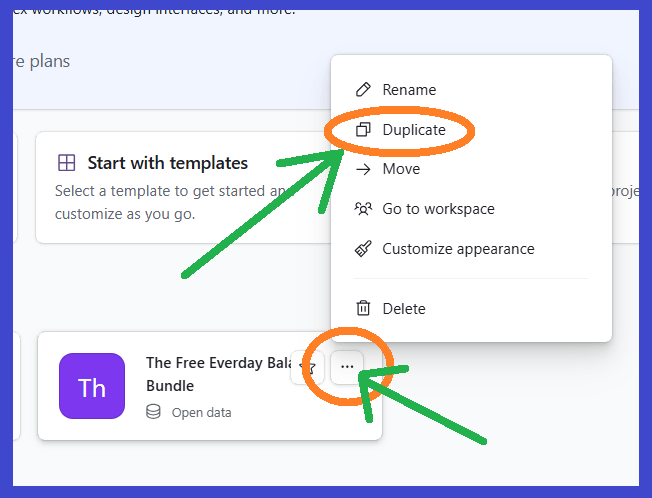
Scroll to the far right and you will see two columns
➀ "I Got It" - where you can mark the gifts you get
➁ "Where I Saved It" - where you can record where the gift is saved.
Step 7
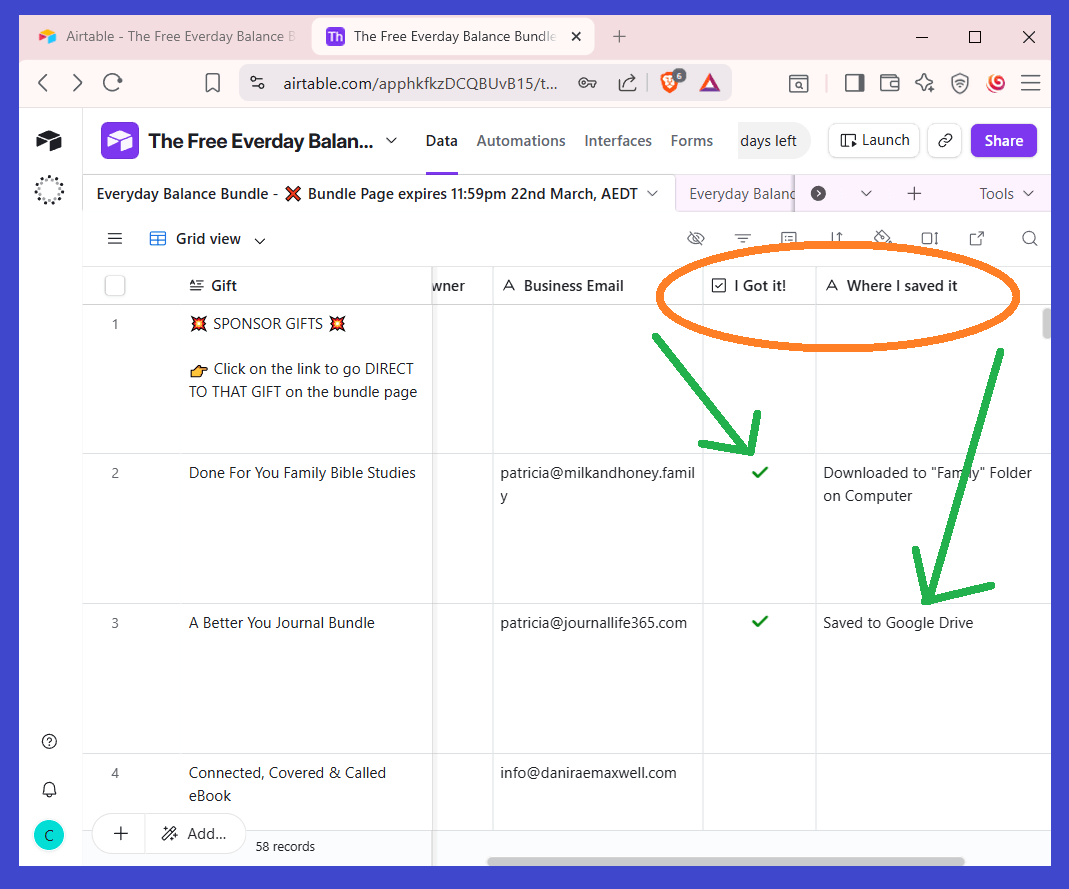
Scroll to the far left and you can use the 6 dots to dray rows up or down. (I drag all my gifts to the top!!)
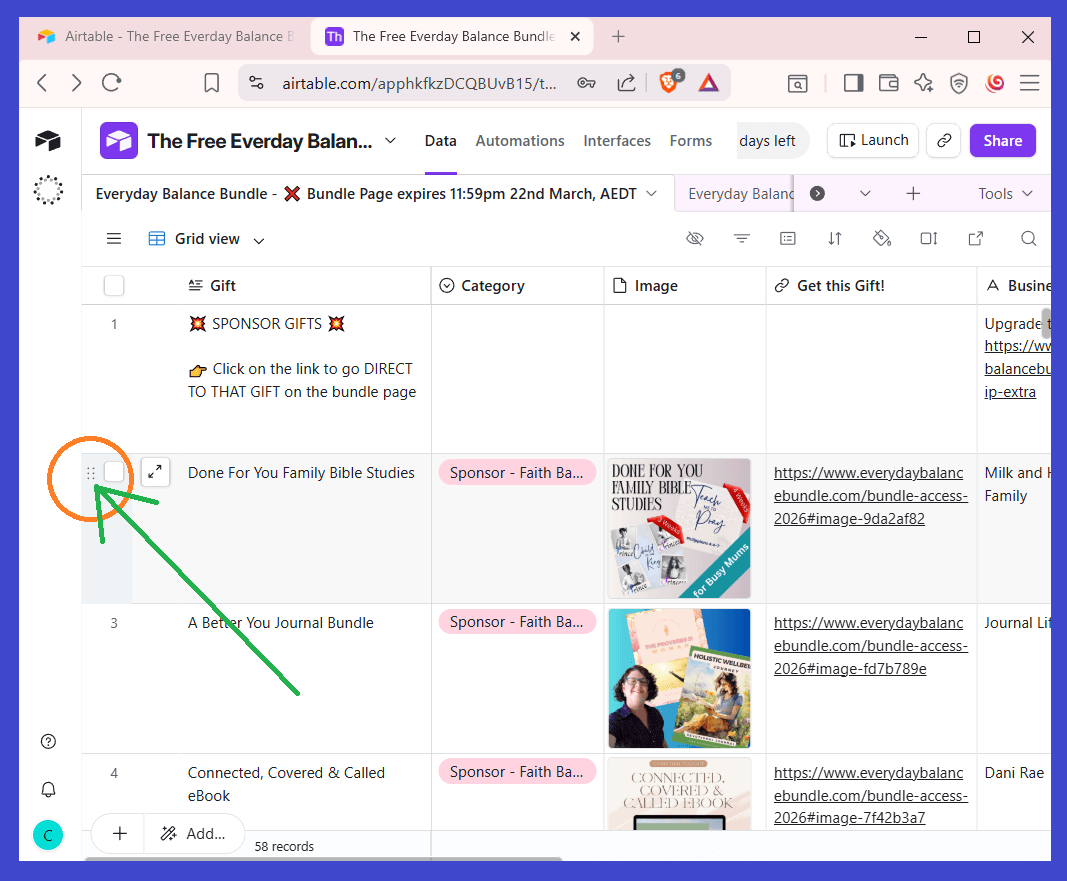
- Get Your Tracker HERE
NB: If you are on mobile, this may or may not load depending on your device and its limitations. Sorry for the inconvenience. You can still use on a desktop.